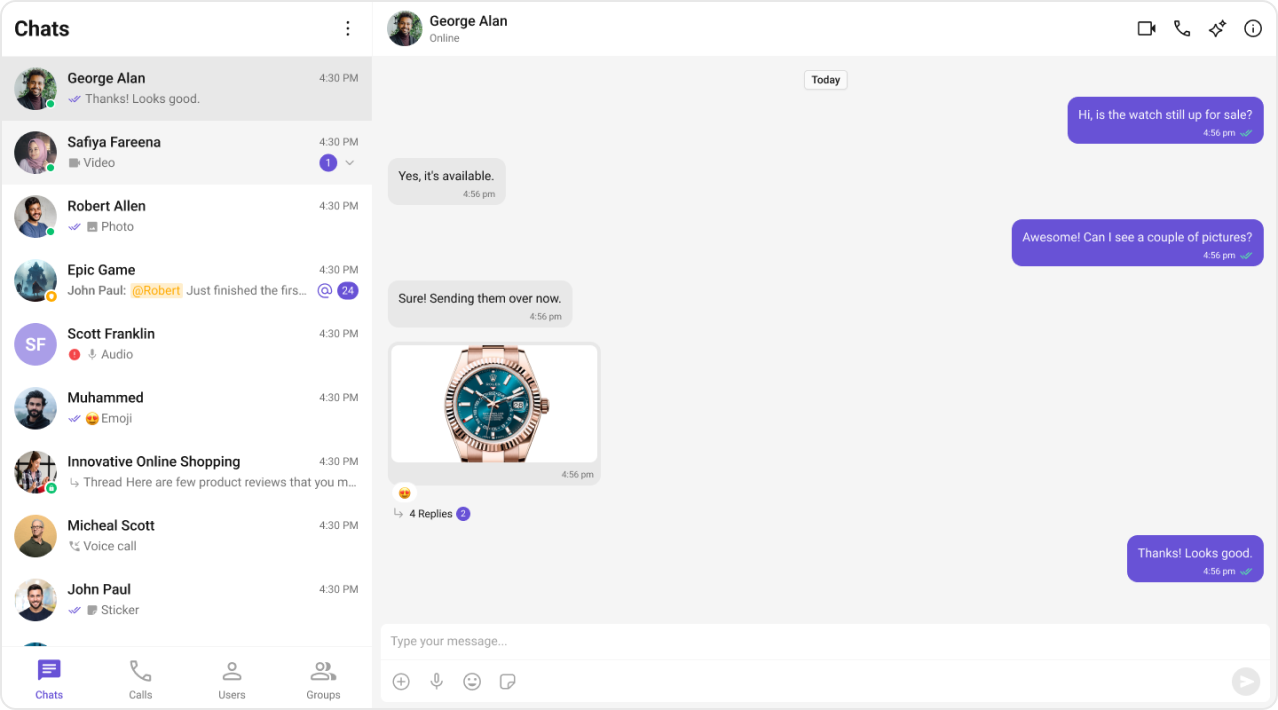
CometChatSettings.ts file handles basic feature toggles. For deeper customizations, modify component props or source code directly.
Customization Workflow
- Find the component in the UI Kit Components Overview
- Check available props and customization options
- Update props or edit the component source code
After modifying the UI Kit Builder, re-download and reintegrate the code
package to apply changes.
Example: Custom Date Format
Customize how sticky date headers appear in the message list. Component: Message List →stickyDateTimeFormat